
Counting objects by hand is slow, tedious, and error-prone. Whether you are tallying bolts in a bin, trees in a nursery, or packages on a shelf, manual counting eats time and introduces mistakes. AI-powered object counting changes that equation entirely.
With modern computer vision, you can upload a single photo and get an accurate count in seconds. The AI detects each individual object, marks it with a visual overlay, and returns a total. No templates, no setup, no training required.
How does AI object counting work?
At a high level, the process is straightforward. You provide an image — from a smartphone camera, a drone, or any other source. A deep learning model analyzes the image, identifies each object, and returns a count along with a visual overlay showing exactly what it found.
Most systems use a two-step approach: first, you tell the AI what to count (or it detects the most prominent objects automatically). Then the model scans the entire image, placing a marker on every instance of that object it finds.
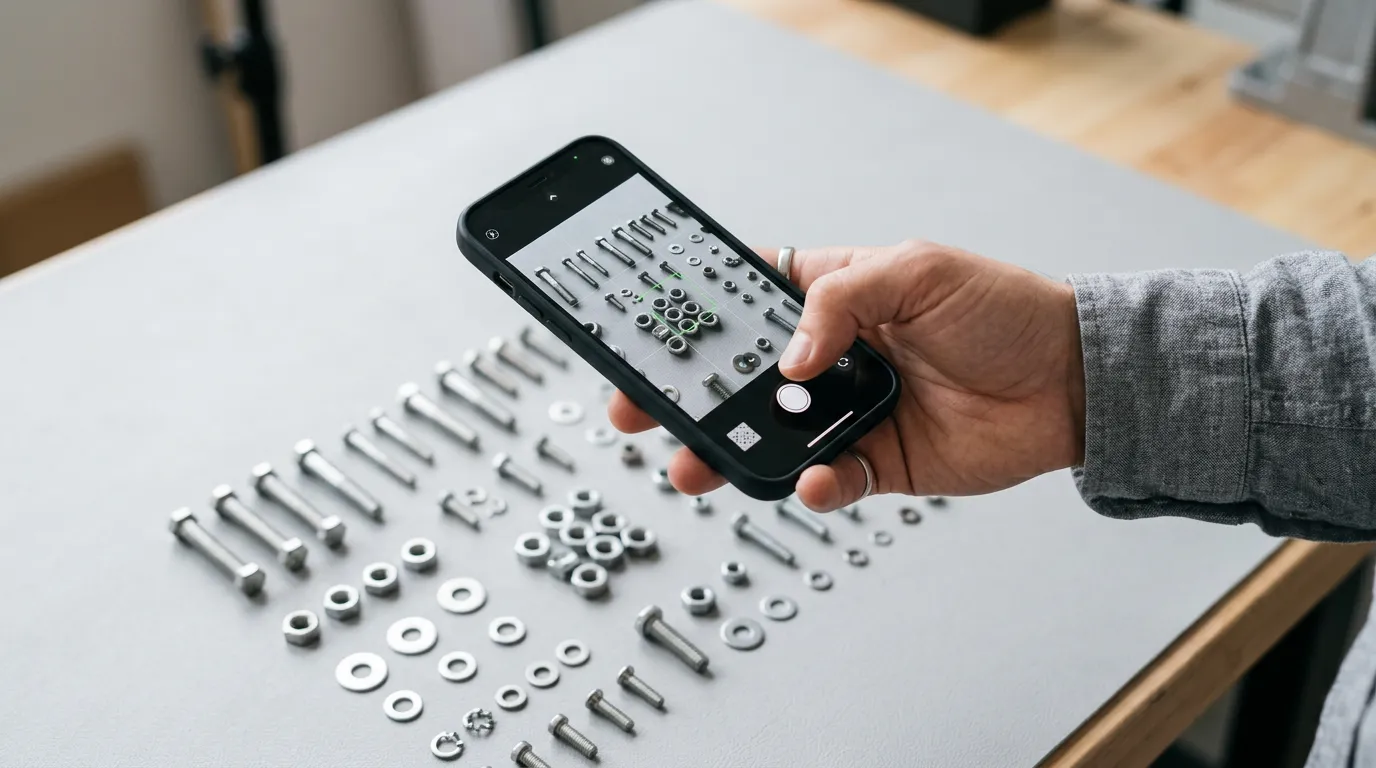
A human counter working at normal speed is roughly 91% accurate. AI-powered counting can reach 95–99% accuracy depending on image quality and object density, and it works in seconds rather than minutes.
What can you count with AI?
The short answer: almost anything visible in a photo. The technology is object-agnostic — if a human can see and distinguish the objects, the AI usually can too. Here are some common use cases:
- Warehouse & logistics — pallets, boxes, packages, drums
- Retail — products on shelves, bottles, cans, clothing items
- Agriculture — fruits on trees, plants in rows, livestock in fields
- Construction — bricks, pipes, rebar bundles, tiles
- Wildlife research — animals in aerial photos, fish in tanks
- Events & crowd management — people in a venue, vehicles in a lot
Tips for getting the best results
AI counting accuracy depends heavily on the quality of the input image. Here are practical tips to maximize your results:
Photo best practices
- Good lightingEnsure objects are well-lit and shadows do not obscure them.
- Steady angleShoot from directly above or straight on to minimize perspective distortion.
- Full visibilityMake sure all objects are visible — partially hidden items may be missed.
- Sufficient resolutionUse the highest resolution available. Tiny objects in a huge frame are harder to detect.
- ContrastObjects that contrast with the background are easier to count accurately.
When to use AI counting vs. manual counting
AI counting shines when you have large quantities, repetitive counting tasks, or a need for speed and documentation. The photo-based approach also gives you a visual record — proof of what was counted and when.
Manual counting still has its place for very small quantities (under 10 items), irregular objects that are hard to distinguish visually, or situations where items are completely hidden from view. The key is choosing the right tool for the job.
Getting started with ZapCount

ZapCount makes AI counting as simple as taking a photo. Upload an image, tell the app what to count, and get your result in seconds. You can add or remove points if the AI missed something, adjust the confidence threshold, and export your results.
No account required. No templates to configure. Just upload and count.